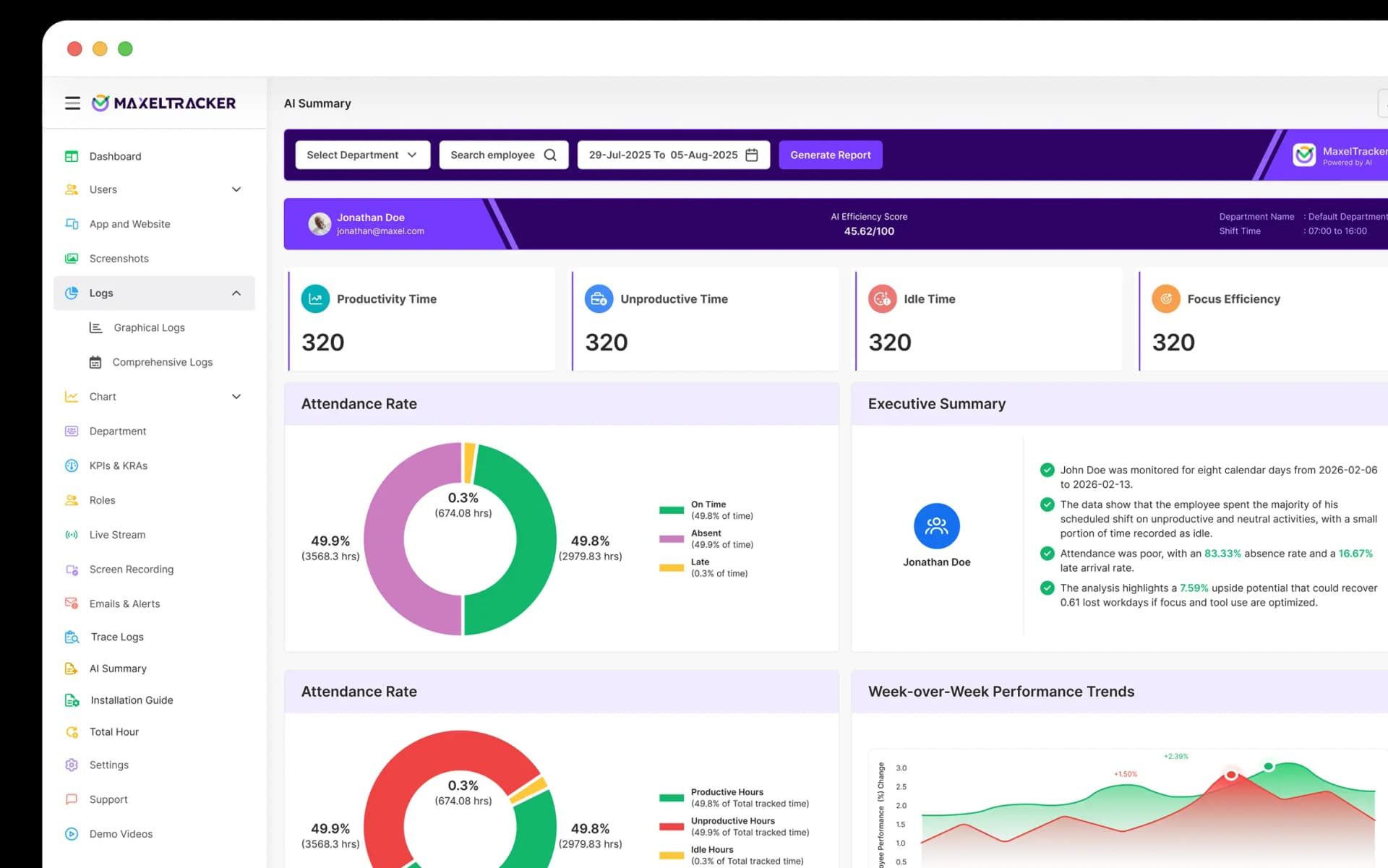
Flash sale
save
20%

Track time against an imported task tells you what it was spent on. MaxelTracker integration tracks hours and links back to real work for the insights to reach the people who need them.

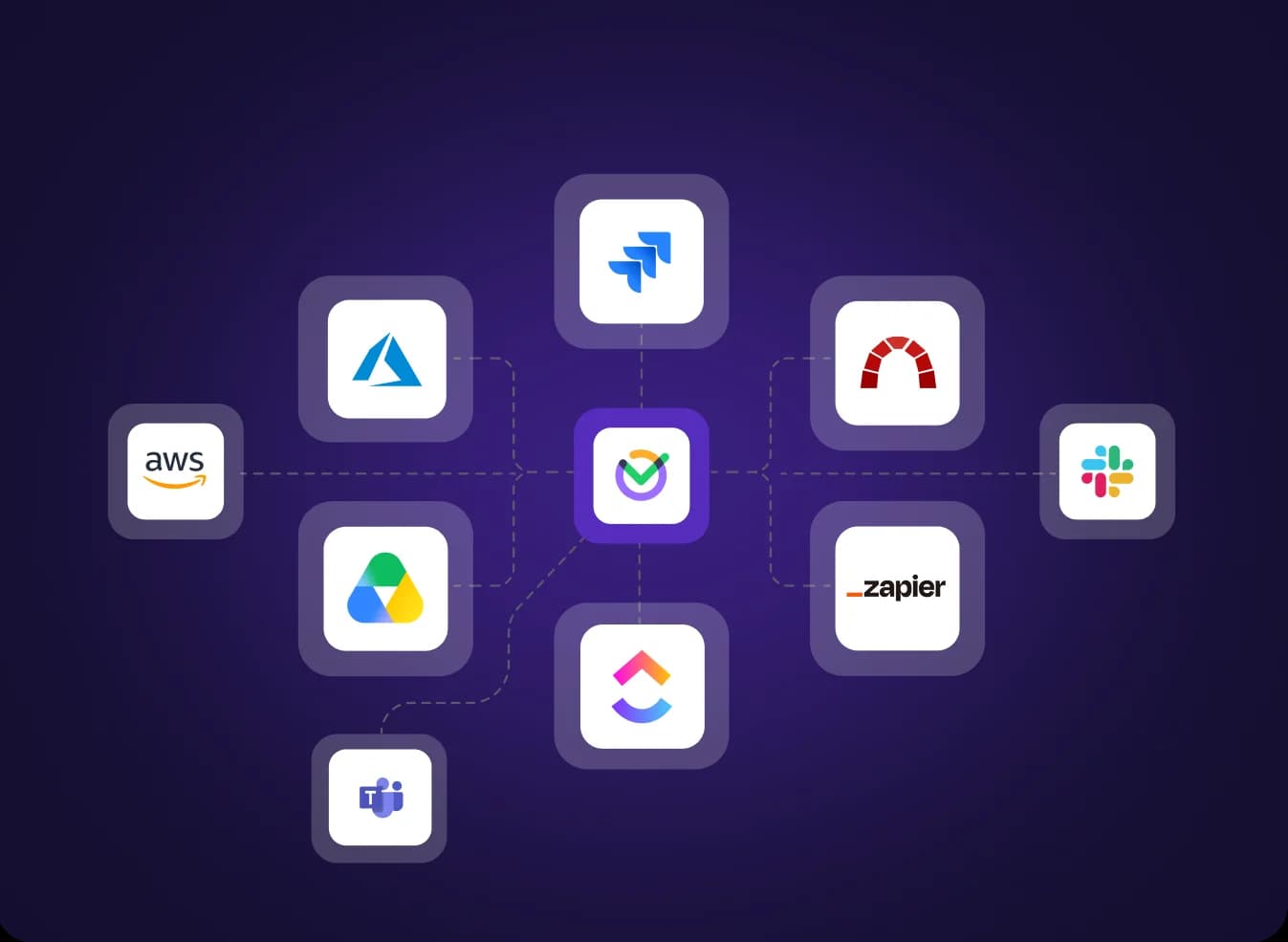
Import tasks and issues from ClickUp, Jira, and Redmine, and track time directly against them. Every hour is linked to the work item it belongs to, so project reporting and tracked time finally align.

Connect Slack or Microsoft Teams and receive MaxelTracker alerts and daily reports in your existing channels. Managers stay informed without logging in, and nothing waits for someone to check a dashboard.

Integrations run in the background once configured. Your team keeps using the tools they know, and MaxelTracker records and reports around them.
Configure any integration from Settings, connect your account, and choose what to import or where to receive updates.

Import the ClickUp items you want to track time on.

Import the Jira issues you want to track time on.

Import the Redmine items you want to track time on, and track time against the issues that matter.

Connect Slack to receive MaxelTracker notifications and updates in your workspace

Connect Teams to receive notifications and updates in your channels
Based on 400 customer reviews


Join the teams using MaxelTracker to track time against real work and get the insights where they already work. Free for 10 days. No credit card required.