Flash sale
save
20%

MaxelTracker goes beyond regular time tracking to provide context for the time tracked. Converts raw tracking data into meaningful insights and uses AI to provide recommendations for businesses to maximize productivity and revenue.


Install the desktop app, invite your team, start tracking time, and gain insights into tracked hours.


Companies Across the Globe
Countries Present
Users
Apps and Websites Tracked
Insights Delivered
MaxelTracker provides a suite of high-performing tools to track how employees spend time, monitor user activity, and provide insights to improve employee productivity and performance.

Automated time tracking that tracks working hours the moment an employee's desktop is active. No manual timesheets to fill, no manual start/stop timer, and no inaccuracies in time entries.
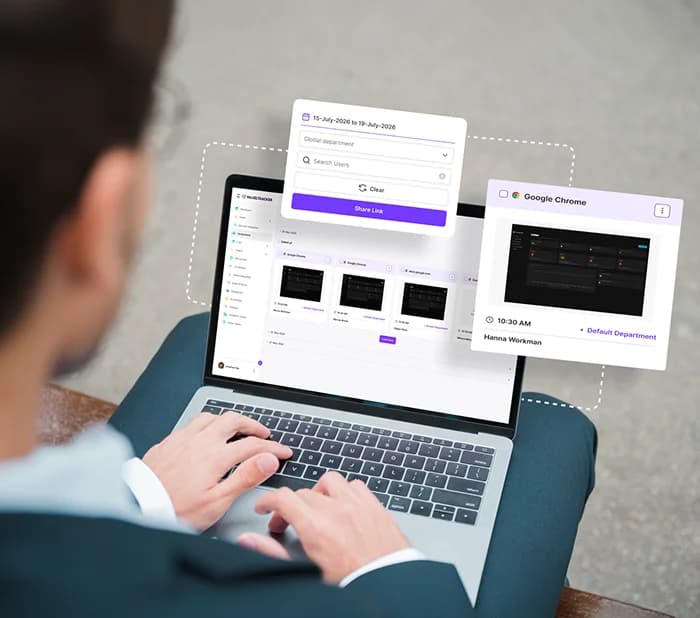
Automatically capture screenshots to give every time entry context. Managers see how work progressed without interrupting anyone for a status update.

Track app and website usage to find out where and how your team spends working hours. Monitor employee internet usage and make data-backed decisions to improve productivity.
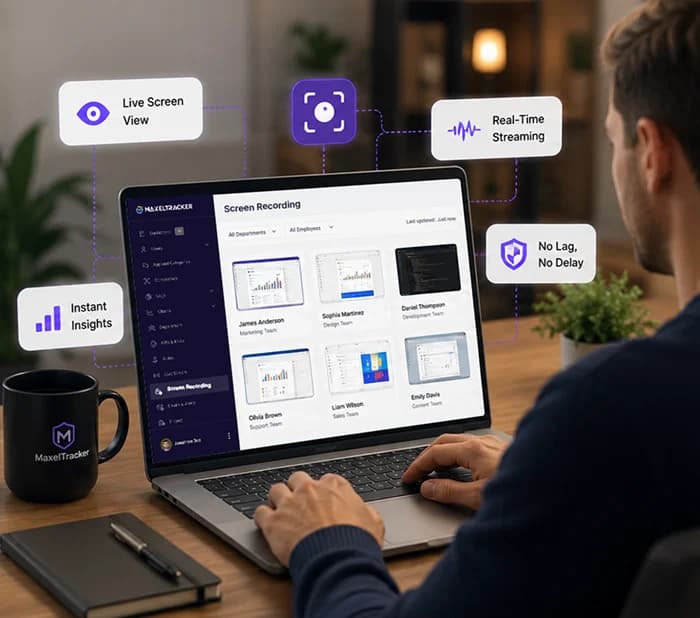
Record desktop video sessions and view recordings in the admin dashboard. Ideal for creating documentation for verifiability, revisiting how a task progressed, and resolving disputes.
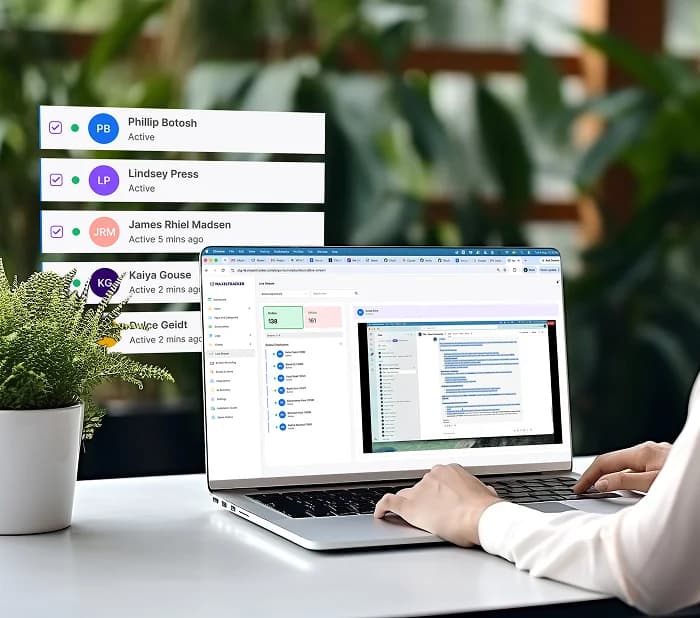
View employee desktop screens in real time from your admin dashboard. Support employees the moment they are stuck and monitor screen activity on critical tasks to protect confidential work.

Transform every hour, app, website, and activity data into meaningful metrics and insights. Get complete employee productivity insights from any team member to the entire department and organization.
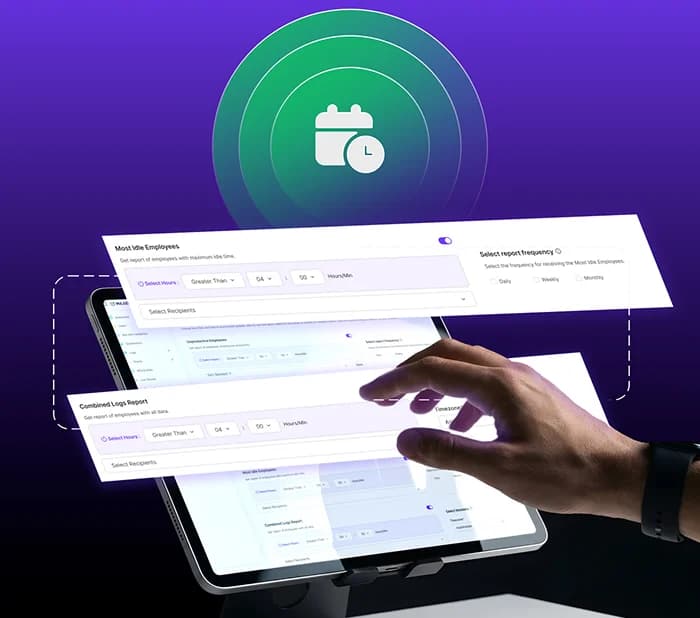
The information that needs attention comes to you. Real-time alerts flag activity as it happens, and scheduled reports land in the right inboxes without anyone logging in.

Get location context for tracked hours. Confirm how the workday happened for remote and distributed teams, without asking anyone to manually report in.
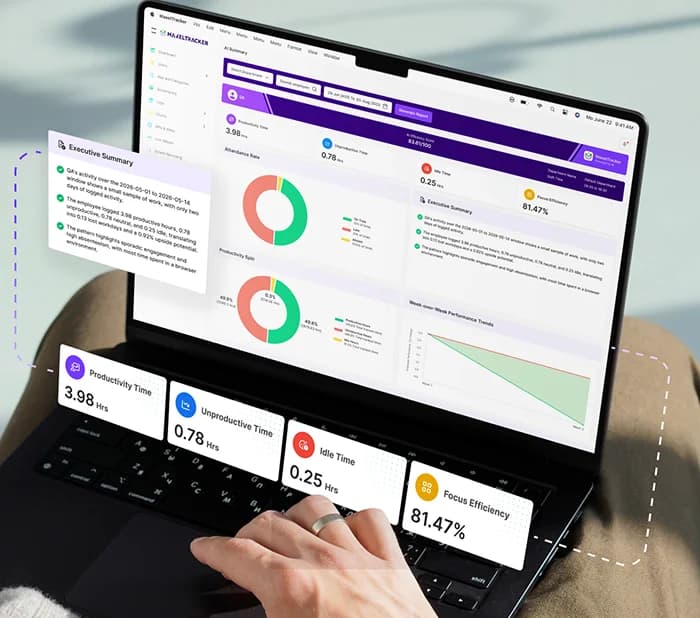
AI reads your workforce data and writes the executive report. Instead of charts to interpret, you get a written summary, the cost in workdays, a forecast, and specific actions to take.
MaxelTracker users have noticed significant improvement in the workflows.
Bottlenecks surface early instead of at the end of a sprint.
Idle and unproductive time is flagged the day it happens.
In-office, remote, and hybrid teams measured the same way.
Your data security is always our highest priority. MaxelTracker uses industry-leading encryption and privacy tools. We ensure that your information remains protected always. Everything is kept confidential, and fully compliant with the strictest global regulatory requirements.

We maintain SOC 2 Type II compliance throughout. This ensures that our internal systems uphold the tightest security, availability, and confidentiality. We always meet the highest auditing standards, ensuring peace of mind for you and the integrity for your enterprise’s critical data.

MaxelTracker is fully aligned with General Data Protection Regulation mandates as well. This helps us prioritize user privacy. You can rely on our robust data processing agreements and transparent tracking. Your operations remain legally sound and ethically responsible.

Our ISO/IEC 27001:2022 certification signifies our unmoving commitment to the safety and security of your business information. We have a systematic approach to managing sensitive company data. Minimizing risk and ensuring the safety of your digital assets stay at the top of our priority list.

Get all the core features in all plans. Automated time tracker, unlimited screenshots, productivity reports, role-based access, and more.
Free 10-day Trial
No Credit Card Required
Cancel Anytime
per user/month, billed annually,
or $1.99 per user/month, billed monthly
MaxelTracker tracks time, monitors employee activity, and provides insights to help businesses make decisions to improve productivity and generate more revenue.

When tracked hours become client invoices, estimates are not good enough. Automatic time tracking with screenshot context means a client query is answered in minutes, and the AI summary gives you the account review before anyone asks for it.
Saw a 35% increase in weekly output
“MaxelTracker has completely transformed how we manage our team’s workflow. With real-time screen recording and easy playback, we can quickly identify bottlenecks and keep projects on track without micromanaging.”

Jonathan Doe
CEO/Founder
40% reduction in project delays
“Having everything in one dashboard makes a huge difference. We can monitor activity, review recordings, and generate reports effortlessly. It’s helped us improve accountability and overall efficiency.”

Sarah Jenkins
Director of Operations
Saved 15+ hours on admin weekly
“MaxelTracker gives us the clarity we need. The ability to filter recordings and analyze employee activity has streamlined our review process and reduced unnecessary delays across teams.”

Michael Chen
IT Team Manager
20% boost in employee engagement
“MaxelTracker helps us maintain transparency without disrupting workflows. The screen recording feature ensures everyone stays aligned and accountable, which has significantly improved our team performance.”

Elena Rodriguez
HR Director
Eliminated manual check-ins
“The ability to monitor, record, and review all in one place has saved us countless hours. MaxelTracker makes it easy to stay on top of tasks and ensure nothing slips through the cracks.”

David Miller
COO/CTO
Scaled from 10 to 100+ users
“As our team scaled, managing productivity became challenging. MaxelTracker’s intuitive dashboard and AI summary report gave us the control and visibility we needed to grow confidently.”

Aisha Khan
Business Owner
90% improvement in task alignment
“With detailed activity logs, we can easily evaluate performance and make informed decisions. MaxelTracker has become an essential part of our workflow optimization.”

Robert Taylor
Team Supervisor
100% visibility into remote work
“MaxelTracker has simplified how we manage daily operations. The smart filtering and quick access to recordings allow us to focus only on what matters, improving efficiency across the board.”

Sophie Bennett
Project Coordinator
22% Increase in Annual Profit Margin
“MaxelTracker provides the high-level visibility needed to ensure our capital is being deployed effectively. It’s not about monitoring; it’s about maximizing our ROI on talent."

Marcus Sterling
CEO
15% Increase in Employee Retention
"Transparency builds trust. By using data-driven insights rather than guesswork for reviews, we've created a fairer, more supportive environment for our staff."

Elena Rossi
Director of HR
100% Accuracy in Client Billing
"From a fiscal perspective, having an undeniable record of activity logs has made our client auditing process bulletproof and ensured every billable hour is accounted for."

Thomas Wright
CFO

MaxelTracker desktop app is easy to install. It takes a few minutes and runs quietly in the background, tracking time and activities automatically.
No Credit Card Required
Windows 10 or later · macOS 11 or laterTry MaxelTracker for free


