Flash sale
SAVE 10%
Written by
Olive Yew
Your productivity tracking just leveled up.
Teams use ClickUp every day to manage tasks, set goals, and move projects forward. But understanding how work actually gets done, how much time is spent, which apps and websites are used, and what’s slowing things down can still be a challenge. That’s why we’re excited to introduce the ClickUp + MaxelTracker integration, which was built to give you the full picture of both task progress and team performance.
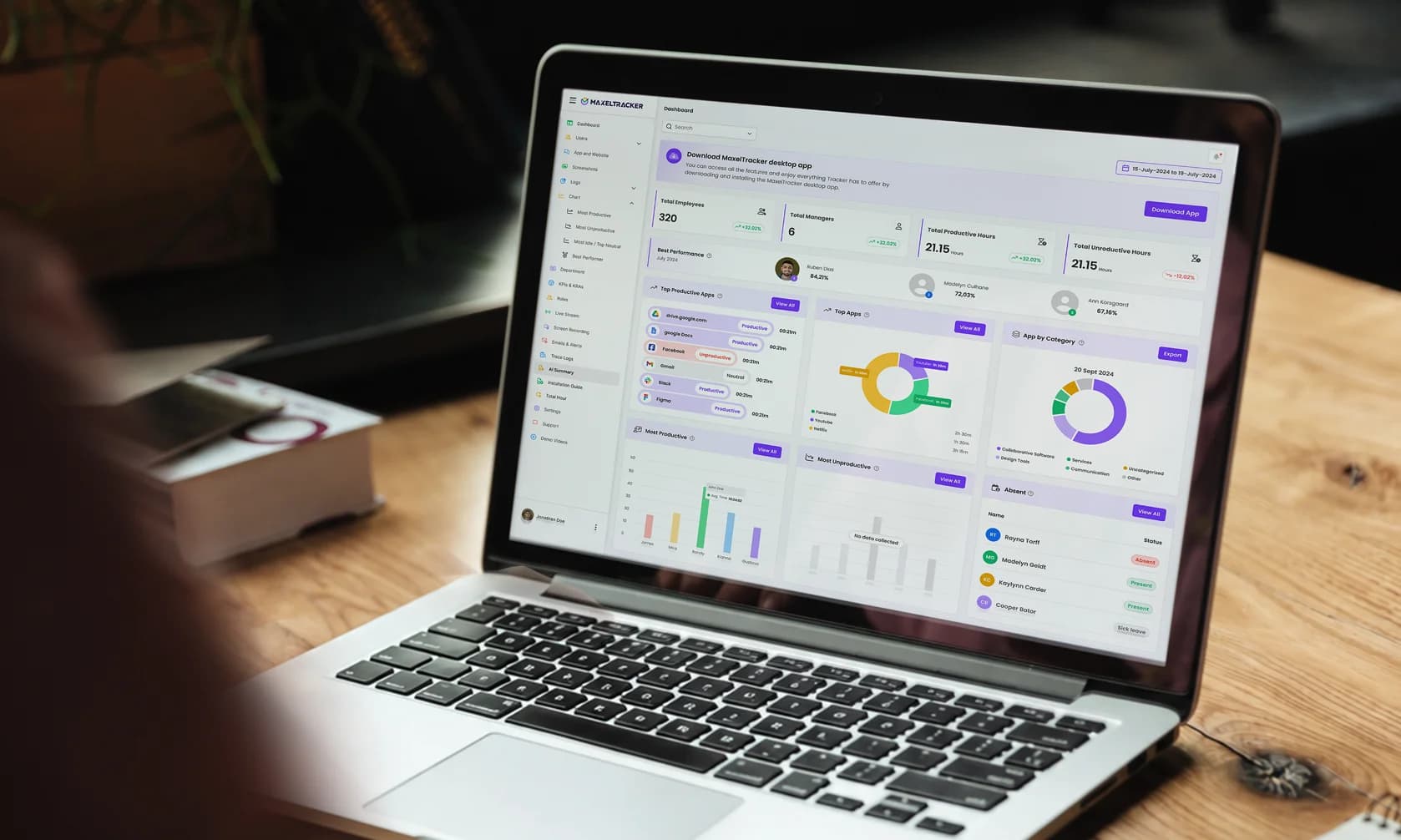
Once the integration is set up, MaxelTracker automatically links your ClickUp tasks with real-time user activity. That means for every task, you can see exactly how much time was spent, which apps were used, when the work started, and when it stopped. It gives you a true picture of task progress, without switching tabs.
Sometimes a task looks delayed in ClickUp, but why? With MaxelTracker, you can see behind the scenes. Check screenshots, active hours, and app usage tied to specific tasks or team members. This helps you understand whether someone is stuck, multitasking, or working as expected, all without needing to ask.
Manual time logging can be boring, forgetful, and inaccurate. That’s why MaxelTracker automatically tracks time spent on each task and syncs it to ClickUp. Your team doesn't have to start or stop timers, everything runs in the background, and your time reports stay 100% accurate.
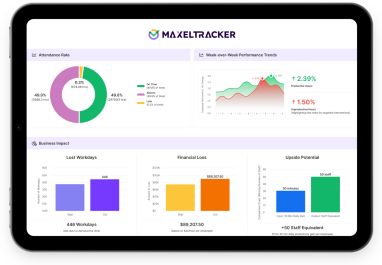
A task might be marked “in progress,” but how much actual effort has gone into it? With this integration, you can view both task updates from ClickUp and work insights from MaxelTracker in one place. It’s perfect for sprint reviews, project evaluations, and planning future workloads based on real data, not just guesswork.
Whether you’re leading a remote team or managing multiple projects, this integration helps you keep everyone aligned. You’ll know who’s working on what, how focused they are, and where time is going—so you can support your team better and remove roadblocks faster.
The ClickUp integration is now available for all MaxelTracker users. If your team manages tasks in ClickUp and tracks performance with MaxelTracker, this is the integration you've been waiting for.
👉 Sign up now at MaxelTracker.com and start transforming your team’s productivity today! 🚀
👉 Explore our pricing plans and features to find the perfect solution for your team’s productivity needs! 🚀